 Don't Idle
Stay active.
Even when you're not.
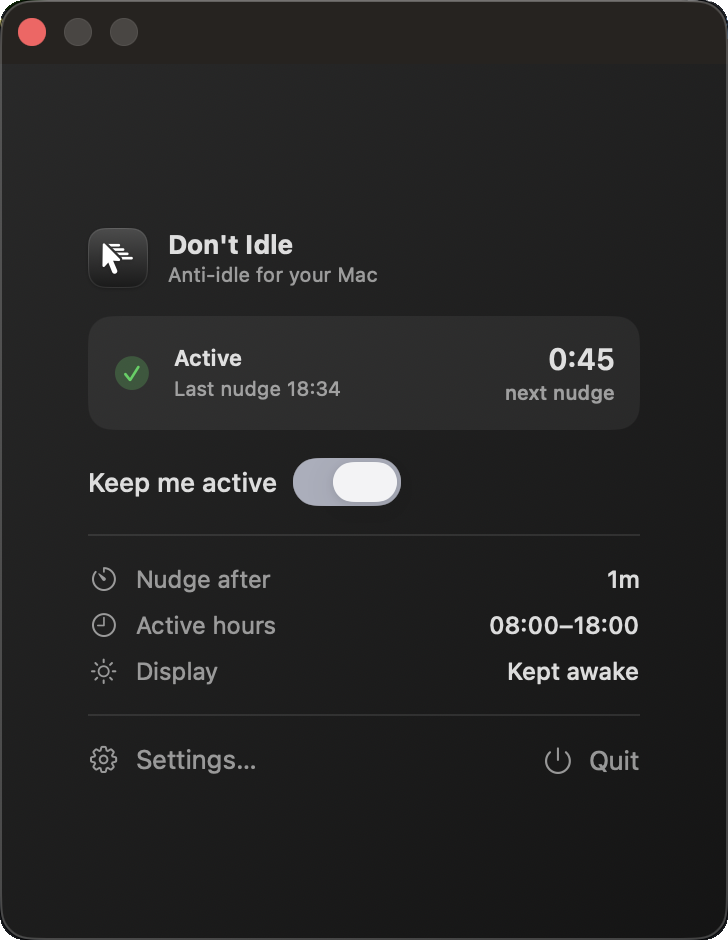
Don't Idle gives your pointer a gentle nudge when you step away — so your Mac stays awake and your status stays green. On your schedule. Easy on the battery.
Free · Universal (Apple silicon & Intel) · macOS 14+
See it in motion
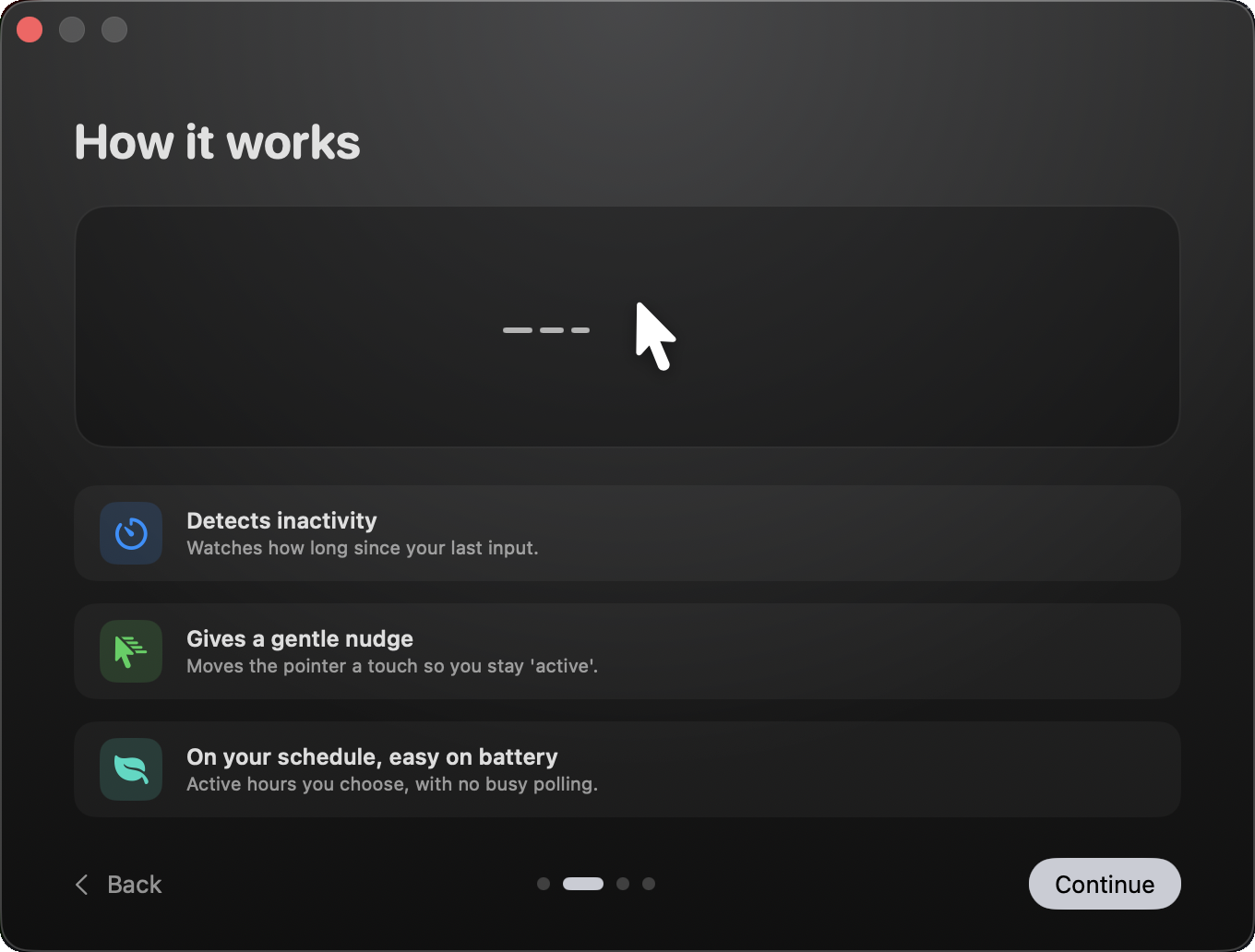
When you go idle, Don't Idle nudges the pointer a few pixels and returns it — a real input event that keeps your Mac and your chat presence awake.
Detects inactivity
Watches how long it's been since your last real input, with almost no overhead.
Gives a gentle nudge
Moves the pointer a touch and back, resetting idle time so you stay present.
On your schedule
Inside your active hours only, then goes fully back to sleep. Kind to your battery.
Small app. Thoughtful details.
Everything you'd want from a stay-awake utility, and nothing you wouldn't.
Configurable threshold
Nudge after anywhere from 15 seconds to 15 minutes. You decide what counts as idle.
Active-hours schedule
Only run between, say, 08:00 and 18:00 — and only on the weekdays you pick.
Real, gentle nudge
Posts a tiny pointer movement that returns in place — enough to read as active everywhere.
Keep the display awake
Optionally hold the screen on too, so nothing dims while you're presenting or reading.
Launch at login
Starts quietly in your menu bar and stays out of the way until you need it.
Easy on the battery
An adaptive timer — no busy polling. It sleeps completely when paused or off-schedule.
Automatic updates
Checks for new versions and can download, install, and relaunch itself — no reinstalling.
Speaks your language
Fully localized in English, Português (BR) and Español — splash screen included.
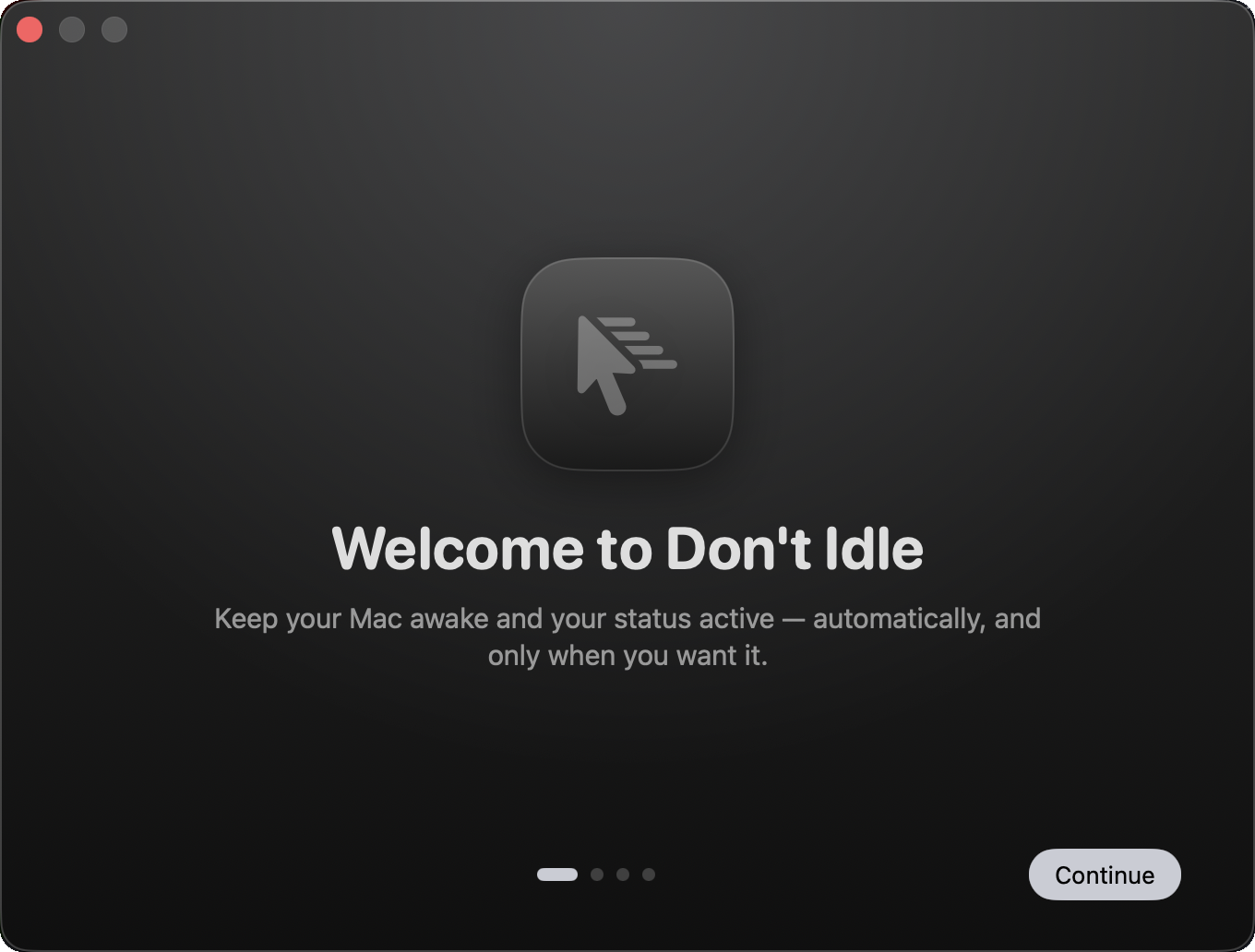
A first run that feels like home
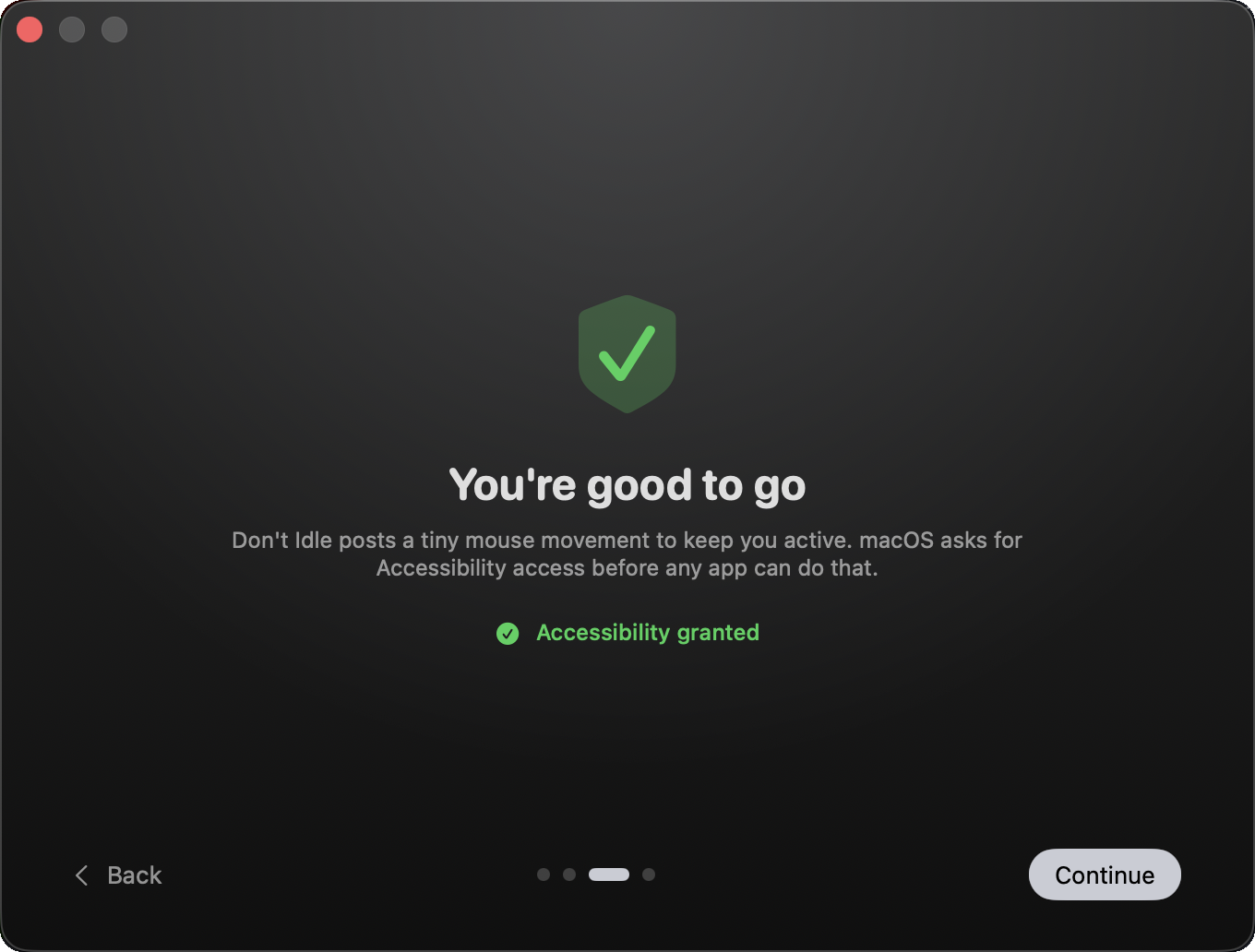
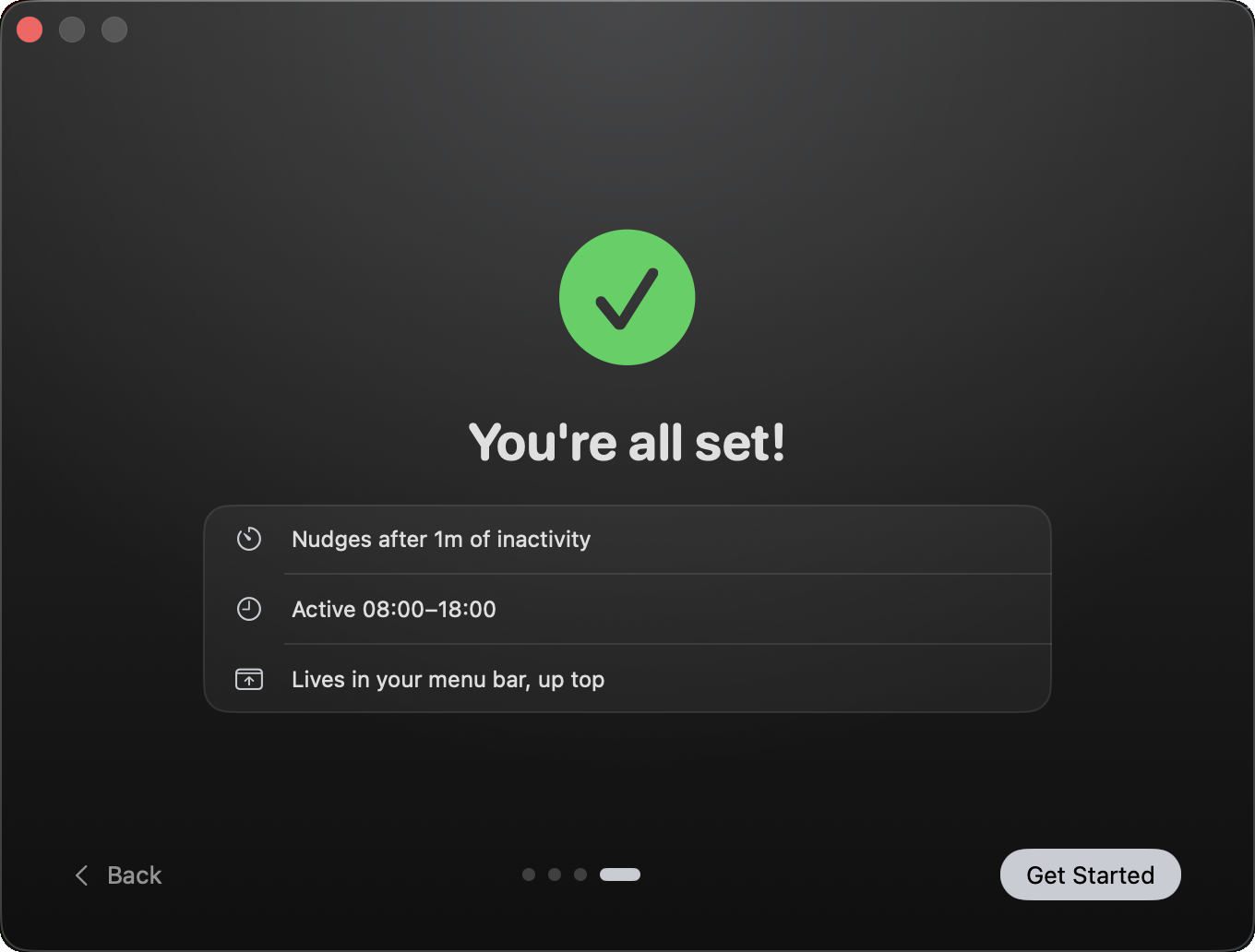
A beautiful, animated welcome walks you through setup and the one permission macOS needs.
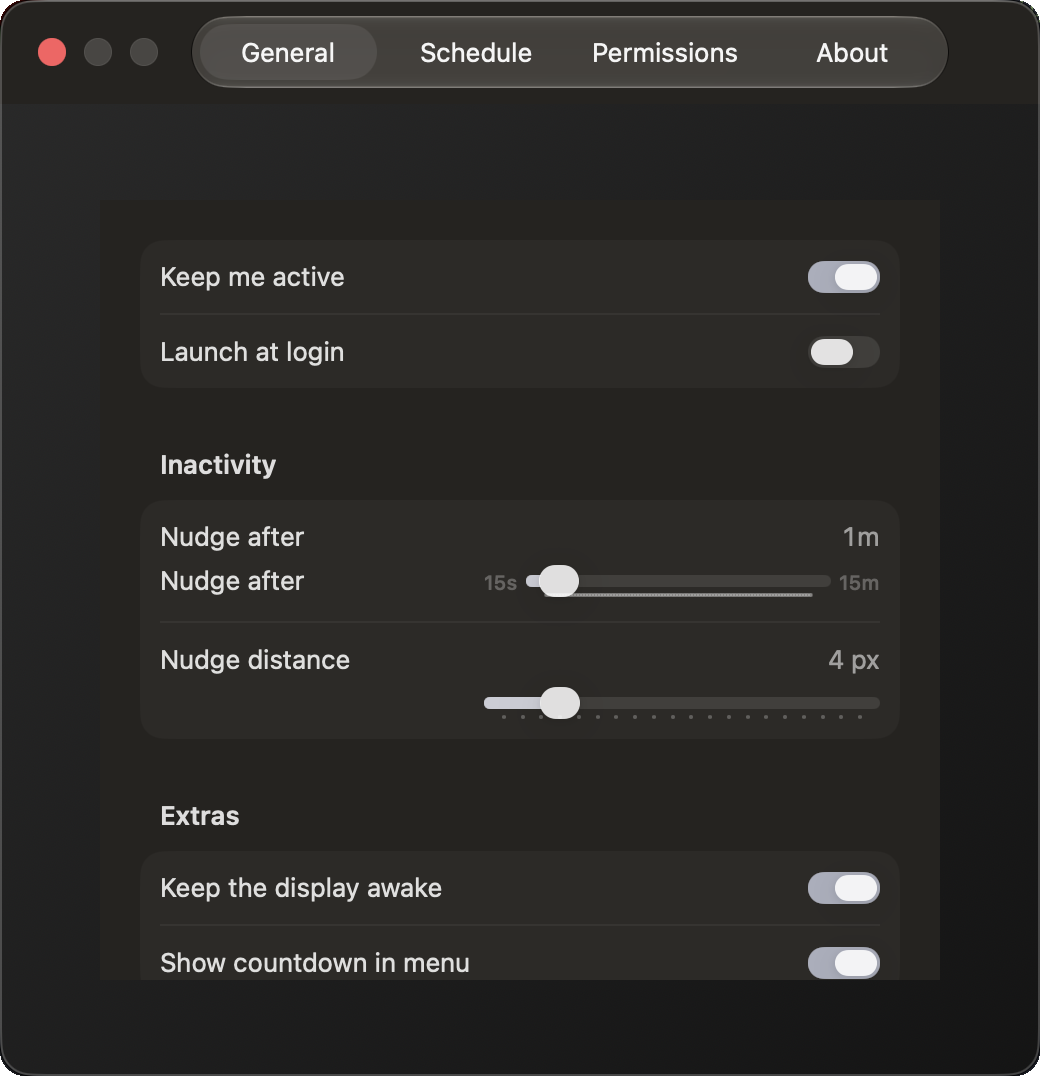
Tune every detail
- Idle threshold and nudge distance
- Active hours + weekday picker
- Keep the display awake
- Launch at login
- Live countdown in the menu
Using Teams in the browser?
A browser tab only sees the nudge while it's in front. Teams on the web has a setting that reads your Mac's activity instead — turn it on once and Don't Idle keeps you green even when Teams sits in a background tab.
- 1In Teams on the web, open Settings ▸ Notifications and activity ▸ Presence.
- 2Turn on “Keep my current status when I'm active outside of Teams on the web”.
- 3Click Allow when the browser asks to detect your activity.
Works in Chrome, Edge and other Chromium browsers like Dia. Safari and Firefox don't support it. If you sign out or clear the browser's data, turn it on again.
Ready when you are
Download, drag to Applications, and you're set. It lives quietly in your menu bar.
Universal — Apple silicon & Intel · macOS 14+. Signed and notarized by Apple, so it just opens — drag it to Applications and you're set.